ERP Selection Checklist: How to Choose the Right ERP System
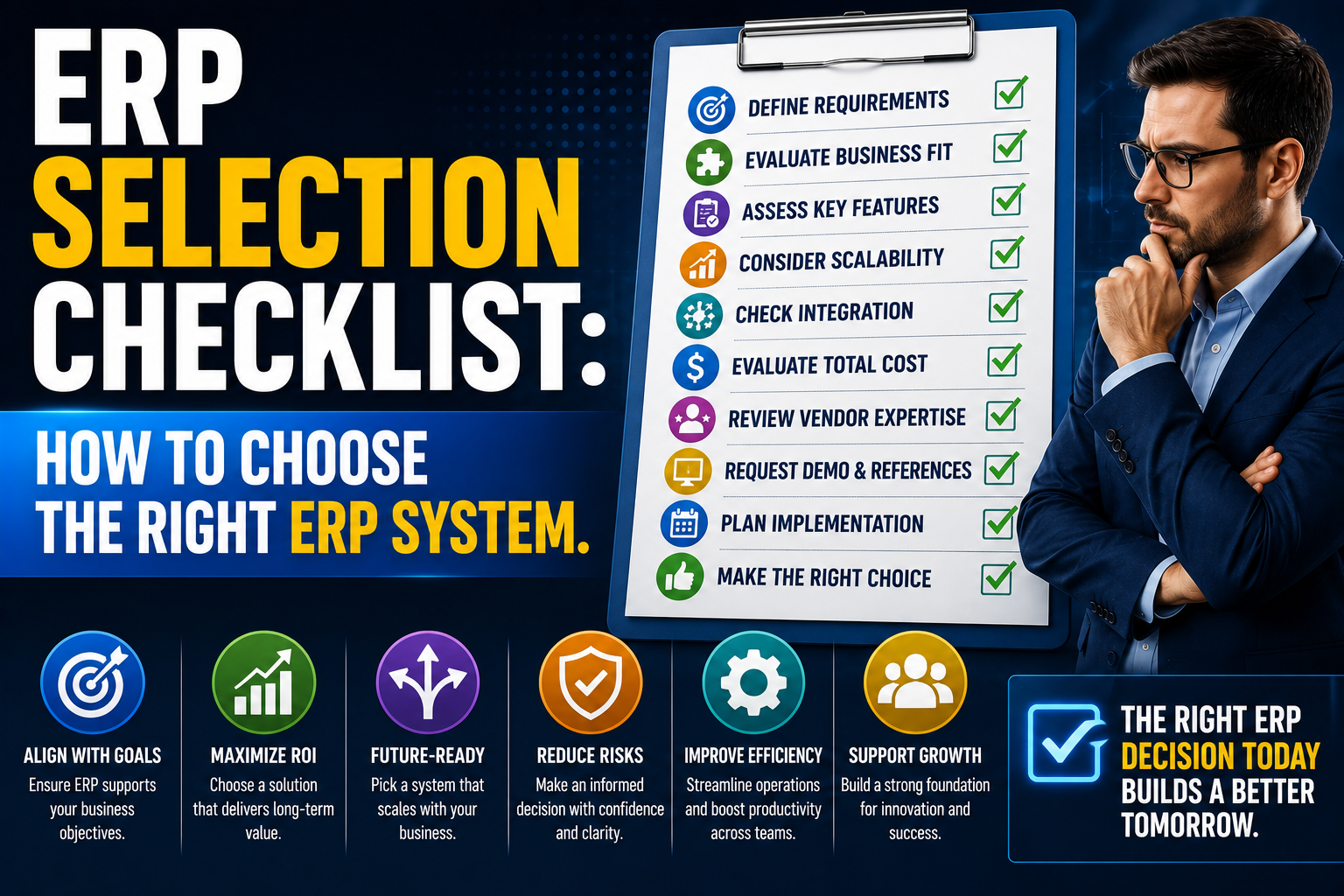
Selecting an ERP system is one of the most important business decisions an organization can make. The right solution can improve efficiency, increase visibility, and support long-term growth. The wrong choice can lead to frustration, cost overruns, and limited business value. Use this checklist to guide your ERP evaluation process and ensure you select a solution that aligns with your business needs today and in the future.
Phase 1: Define Business Requirements Before evaluating vendors, clearly identify what your business needs from an ERP system.
Checklist
✔ Identify current business challenges
✔ Document manual processes
✔ Define operational pain points
✔ Establish project objectives
✔ Determine expected ROI
✔ Define future growth requirements
✔ Identify reporting needs
Questions to Ask
- What problems are we trying to solve?
- Which processes need improvement?
- What information do decision-makers need?
- What does success look like?
Phase 2: Engage Key Stakeholders ERP impacts multiple departments and should not be selected by one team alone.
Checklist
✔ Include Finance
✔ Include Sales
✔ Include Purchasing
✔ Include Inventory/Warehouse
✔ Include Operations
✔ Include Manufacturing (if applicable)
✔ Include Customer Service
✔ Include IT
✔ Appoint a project champion
Goal Ensure all departments contribute to defining requirements and evaluating solutions.
Phase 3: Assess Current Systems Understanding your current environment helps identify gaps and integration requirements.
Checklist
✔ Review accounting software
✔ Review inventory systems
✔ Review CRM systems
✔ Review reporting tools
✔ Review spreadsheets and manual workarounds
✔ Identify duplicate data entry
✔ Document integration requirements
Common Warning Signs
- Heavy spreadsheet usage
- Disconnected systems
- Slow reporting
- Data inconsistencies
- Manual reconciliations
Phase 4: Evaluate Core ERP Functionality Ensure the ERP system supports your critical business processes.
Finance
✔ General Ledger
✔ Accounts Payable
✔ Accounts Receivable
✔ Bank Reconciliation
✔ Budgeting
✔ Financial Reporting
Sales
✔ Quotations
✔ Sales Orders
✔ Customer Management
✔ Pricing Management
✔ Sales Analytics
Purchasing
✔ Purchase Orders
✔ Supplier Management
✔ Approval Workflows
✔ Procurement Reporting
Inventory
✔ Multi-Warehouse Management
✔ Inventory Valuation
✔ Cycle Counting
✔ Stock Transfers
✔ Demand Planning
Manufacturing (if applicable)
✔ Bill of Materials (BOM)
✔ Production Orders
✔ Material Requirements Planning (MRP)
✔ Shop Floor Control
✔ Capacity Planning
Phase 5: Evaluate Scalability The ERP should support future business growth.
Checklist
✔ Supports additional users
✔ Supports multiple locations
✔ Supports increased transaction volumes
✔ Supports additional product lines
✔ Supports international expansion
✔ Supports multi-currency requirements
✔ Supports future acquisitions
Key Question Will this system still meet our needs in five years?
Phase 6: Review Reporting and Business Intelligence Good ERP systems provide more than transaction processing.
Checklist
✔ Real-time dashboards
✔ Financial reporting
✔ Inventory reporting
✔ Sales analytics
✔ Operational KPIs
✔ Custom reporting capabilities
✔ Business Intelligence tools
✔ Export functionality
Questions
- Can managers access information easily?
- Are reports available in real time?
- Can reports be customized?
Phase 7: Evaluate User Experience User adoption plays a major role in ERP success.
Checklist
✔ Easy navigation
✔ Modern interface
✔ Mobile access
✔ Role-based dashboards
✔ Simple reporting tools
✔ Minimal training requirements
Consider The best ERP system is one that employees will actually use.
Phase 8: Review Integration Capabilities Most businesses use multiple applications.
Checklist
✔ CRM integration
✔ E-commerce integration
✔ Payroll integration
✔ Banking integration
✔ Shipping integration
✔ Third-party application support
✔ API availability
Goal Avoid creating new information silos.
Phase 9: Assess Deployment Options Determine which deployment model best suits your business.
Cloud ERP
✔ Lower infrastructure costs
✔ Automatic updates
✔ Remote accessibility
✔ Faster deployment
On-Premises ERP
✔ Greater infrastructure control
✔ Internal hosting requirements
✔ Customization flexibility Questions
- Which deployment model aligns with our strategy?
- What are the long-term costs?
Phase 10: Evaluate Vendor and Implementation Partner The software is important, but the implementation partner is equally critical.
Checklist
✔ Industry experience
✔ ERP certification status
✔ Customer references
✔ Implementation methodology
✔ Training services
✔ Support capabilities
✔ Local presence
✔ Project management expertise
Ask Vendors
- How many implementations have you completed?
- What industries do you specialize in?
- What support is available after go-live?
Phase 11: Understand Total Cost of Ownership ERP costs extend beyond software licensing.
Checklist
✔ Software licensing costs
✔ Implementation costs
✔ Data migration costs
✔ Training costs
✔ Customization costs
✔ Support costs
✔ Upgrade costs
✔ Infrastructure costs
Avoid Making decisions based solely on initial software pricing.
Phase 12: Request Demonstrations ERP demonstrations should focus on your business processes.
Checklist
✔ Use real business scenarios
✔ Evaluate reporting capabilities
✔ Test workflow functionality
✔ Review approval processes
✔ Assess inventory management
✔ Review financial processes
✔ Evaluate mobile capabilities
Tip Ask vendors to demonstrate how your actual processes would work within the system.
ERP Vendor Evaluation Scorecard Rate each ERP solution on:
| Criteria | Weight |
| Functional Fit | 25% |
| Ease of Use | 15% |
| Reporting & BI | 15% |
| Scalability | 15% |
| Integration Capabilities | 10% |
| Vendor Support | 10% |
| Total Cost of Ownership | 10% |
This helps ensure objective decision-making.
Common ERP Selection Mistakes
❌ Focusing only on software cost
❌ Ignoring future growth requirements
❌ Over-customizing requirements
❌ Excluding key departments
❌ Underestimating implementation effort
❌ Choosing based solely on brand recognition
❌ Not evaluating support capabilities
❌ Failing to define success criteria
The Bottom Line Selecting an ERP system is not simply a technology purchase—it is a strategic business decision. The right ERP platform should align with your business objectives, support future growth, improve visibility, and streamline operations across the organization. By following a structured ERP selection checklist, businesses can reduce risk, make more informed decisions, and choose a solution that delivers long-term value. A successful ERP selection lays the foundation for greater efficiency, better decision-making, and sustainable business growth